Webflow has revolutionized visual web development, offering unparalleled design control without writing a single line of code. But as your project grows, every Webflow user eventually hits a crossroads and asks: "Should I keep paying for Webflow hosting, or export my site and host it myself?"
The debate between Webflow vs hand-coding isn't just about developer pride; it's a financial and architectural decision. This guide compares both approaches across cost, performance, SEO, and maintainability to help you decide whether to stay in the walled garden or break free.
The Real Cost of Webflow Hosting
Webflow's pricing tiers range from $14/month (Basic) to $39/month (Business) for site hosting alone. Over a single year, that's $168–$468 just for hosting a static website or a small blog.
Meanwhile, platforms like Netlify, Vercel, and GitHub Pages offer free static hosting with comparable or better performance. If you run an agency with 20 client sites, forcing them onto Webflow hosting can cost thousands of dollars annually.
| Feature | Webflow Hosting | Self-Hosted (Exported) |
|---|---|---|
| Monthly cost | $14–$39+ | $0 |
| Annual cost | $168–$468+ | $0 |
| Custom domain | Included in paid plans | Included on free tiers (Vercel/Netlify) |
| SSL / HTTPS | Included | Included |
| Global CDN | Included | Included (Cloudflare/Vercel) |
| Server-side code | ❌ Not supported | ✅ Full control |
When to Stay on Webflow
Despite the costs, Webflow hosting makes absolute sense in specific scenarios. You should stay on the platform if you:
- Frequently update content — Webflow's CMS and Editor mode make it incredibly easy for non-technical clients to add blog posts and collection items without touching code.
- Need Webflow Interactions — While exported sites preserve animations, modifying them after the fact requires advanced JavaScript knowledge. Staying on Webflow keeps the visual animation timeline editable.
- Don't have development resources — If no one on your team can confidently read or modify HTML/CSS, Webflow is a much safer environment.
- Use Webflow Ecommerce — The checkout flow, inventory management, and payment processing are deeply tied to Webflow's backend and cannot be exported.
When to Export to HTML/CSS (Hand-Coding)
Exporting your site and taking the hand-coded route makes sense if you:
- Want to cut hosting costs — Save $168–$468/year per site by hosting on free static hosting providers.
- Need custom backend logic — If you are building a SaaS, web app, or require API integrations, server-side processing, or custom database connections, you need your frontend code separate from Webflow.
- Want maximum performance — Exported static files are often faster than Webflow's hosted pages because you can remove unnecessary tracking scripts.
- Need code ownership — Investors, acquirers, or strict corporate compliance requirements may demand you physically own and host your codebase.
- Are migrating platforms — If you are moving to a modern JavaScript framework like Next.js, Astro, or Vue, exporting the HTML/CSS gives your developers a massive head start compared to designing from scratch.
How to Bridge the Gap: The Export Workflow
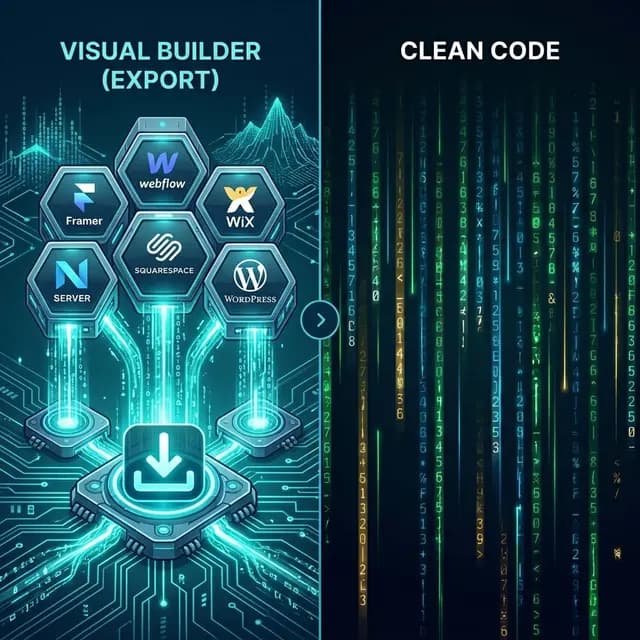
If you decide that hand-coding or self-hosting is the right path, you don't have to start from a blank IDE. You can design visually in Webflow and use our Webflow export tool to bridge the gap:
- Publish your Webflow site to the free
.webflow.iostaging domain. - Paste the URL into NoCodeExport.
- Click Export to generate clean, sanitized code.
- Download your HTML/CSS/JS files.
- Hand the code to your developers, or deploy it directly to a free hosting provider.
This workflow preserves your responsive layouts, animations, fonts, and images, giving you the speed of Webflow with the freedom of hand-coding.
Performance Comparison
Performance is site-specific. An exported frontend may let you remove dependencies or change caching and delivery, but images, fonts, scripts, embeds, consent tools, and the chosen host all affect Core Web Vitals. Measure the original and exported site with the same device, network, page, and test tool before drawing a conclusion.
SEO Implications: Webflow vs Coding
Both options are highly SEO-friendly, but exported hand-coded sites have a slight edge for technical SEO experts:
- More control over delivery → the ability to test and optimize Core Web Vitals on your own stack.
- No Webflow branding in the source code.
- Full control over meta tags, structured data, canonical URLs, and
robots.txt. - Custom server headers for advanced security (HSTS, CSP, etc.).
NoCodeExport even includes an automatic SEO audit with every export to catch any missing tags before you deploy.
Frequently Asked Questions
Is Webflow code clean enough for developers?
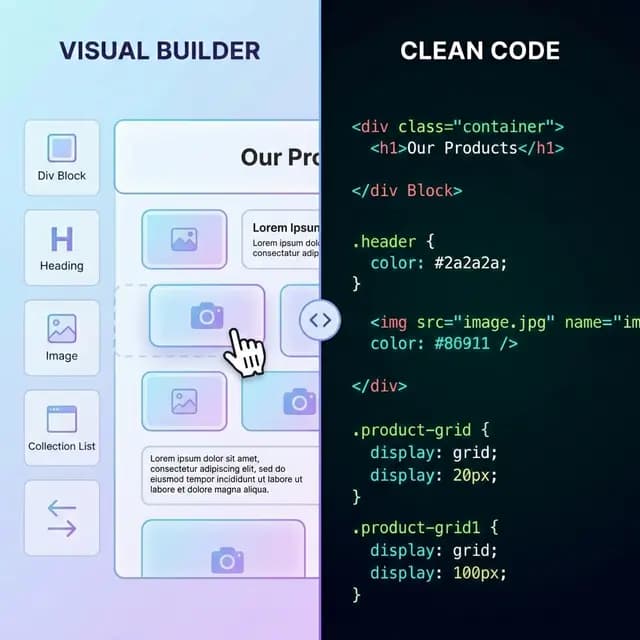
Yes. Unlike older visual builders (like Dreamweaver), Webflow generates semantic, W3C-compliant HTML and standard CSS. Developers generally find Webflow's exported code highly readable and easy to work with, provided you used proper class naming conventions in the Designer.
Can I build a web app with Webflow?
Not entirely on its own. While Webflow is great for the UI/UX frontend, you cannot build true server-side web apps natively. You must export the code (or use tools like Wized or DevLink) to connect the Webflow frontend to a backend framework like React or Vue.
Do I lose my CMS if I export?
Yes. Exporting generates static HTML files. Your existing CMS posts will be exported as individual pages, but you will not have a visual CMS dashboard to create new posts unless you integrate the exported code with a headless CMS.
The Verdict
Export if: You have a finished, static design, want to eliminate monthly hosting fees, or need to hand off the UI to developers for a web app integration.
Stay on Webflow if: You need the native CMS for ongoing content updates, rely on Ecommerce, or don't have the technical comfort to manage your own hosting.
Many modern development teams use a hybrid approach: design the marketing site in Webflow, export it, and then build the complex app features in code. It's not an all-or-nothing decision.
Related Resources
- How to Export Webflow to HTML — The step-by-step tutorial
- Best No-Code Export Tools Compared — Compare Webflow with Framer and Wix
- 5 Best Free Static Hosting Providers — Where to host your exported site for $0
Ready to test the waters? Try the Webflow exporter for free today.