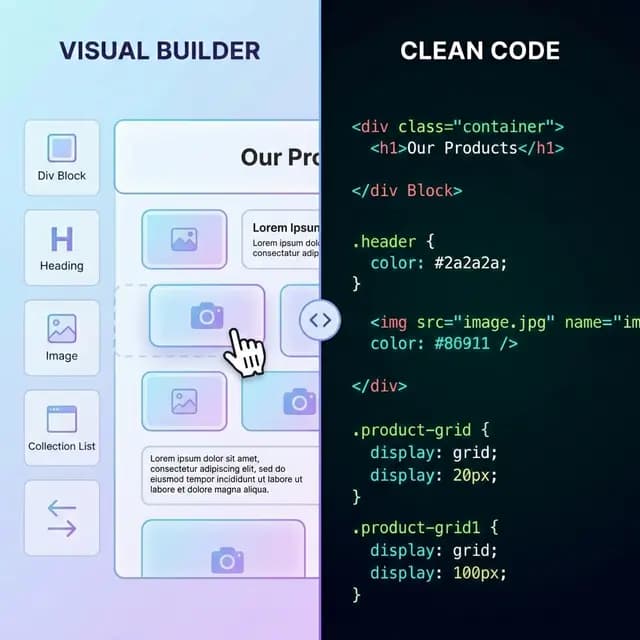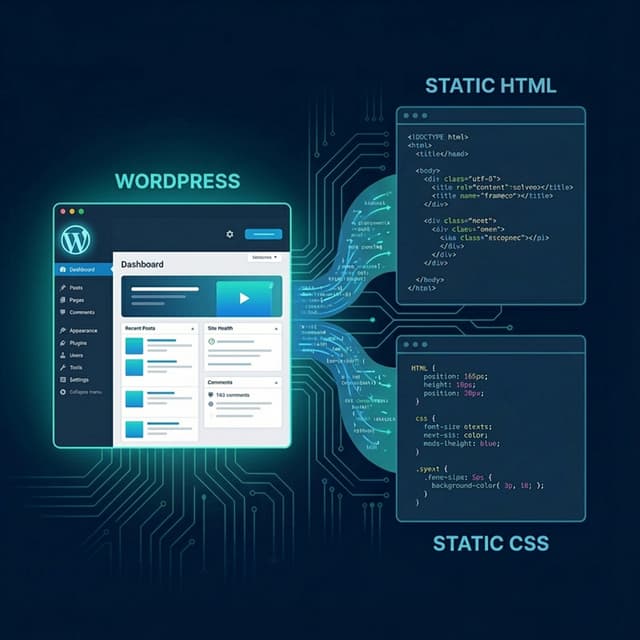
When Wix starts feeling limiting — whether because of rising costs, missing features, or a need for more control — two very different paths come up: exporting to static HTML or migrating to WordPress. Both get you off Wix, but they're optimized for completely different outcomes.
This guide compares the two migrations honestly so you can make the right call for your specific site.
Ready to export your Wix site? The Wix to HTML exporter scans your live Wix URL and produces a deployable ZIP in under 90 seconds — no manual copy-paste required.
The Core Difference
| Wix to HTML | Wix to WordPress | |
|---|---|---|
| How it works | Crawls live site, exports rendered HTML/CSS/JS | Rebuilds site structure in WordPress editor |
| Effort | Low (automated export) | High (manual content migration) |
| Result | Static files you host anywhere | Dynamic WordPress site on a server |
| Cost after migration | $0–5/month (static hosting) | $10–30/month (WordPress hosting + plugins) |
| Content editing | Requires new tool | WordPress editor |
| SEO risk during migration | Low if URLs preserved | Medium — needs redirect planning |
| Best for | Brochure sites, portfolios, landing pages | Blogs, stores, frequently updated content |
When to Choose Wix to HTML
Choose static HTML export if:
- Your site is mostly fixed content — a portfolio, service page, event site, or landing page
- You publish infrequently (once a month or less)
- Reducing hosting cost is the primary goal
- You want to finish the migration in hours, not weeks
- You have a developer who can make code-level changes
A static Wix export gives you a complete snapshot of your live site — every page, every image, CSS, and JavaScript — packaged as files you can deploy anywhere. Free tiers on Netlify, Vercel, and Cloudflare Pages can handle most small and medium traffic levels without any monthly fee.
The Wix exporter handles the crawl automatically. You paste your Wix URL, it scans and packages the output, and you download a ZIP ready for deployment.
When to Choose Wix to WordPress
Choose WordPress migration if:
- You run a blog with frequent posts
- Your site has a substantial product catalog or WooCommerce-style store needs
- You need user accounts, membership gating, or custom form workflows
- You plan to add dynamic features (events calendar, directory listings, etc.)
- Your team or client expects to update content through a visual editor
WordPress migration involves recreating your site structure in the WordPress block editor (Gutenberg) or a page builder like Elementor. Content — especially blog posts — needs to be moved manually or via CSV export/import tools. This takes significantly more time than a static export, and it introduces SEO risk if URLs change and redirects aren't set up carefully.
Cost Comparison Over 12 Months
| Wix to HTML | Wix to WordPress | |
|---|---|---|
| Export / setup tool | Free export tier | Usually free theme + paid setup time |
| Hosting | $0 (Netlify/Vercel free tier) | $10–20/month (Bluehost, SiteGround, etc.) |
| Domain | $10–15/year (unchanged) | $10–15/year (unchanged) |
| Plugins / premium tools | $0 for static | $50–200/year (SEO plugin, backup, security) |
| Developer time for setup | 1–3 hours | 8–40+ hours |
| Total year 1 cost | ~$15 | ~$250–600+ |
For static sites, the cost difference is dramatic. A site that costs $300/year on Wix can move to essentially free hosting after the one-time export.
SEO Risk During Migration
Both migrations carry SEO risk if not handled carefully, but they carry it differently.
Static HTML Export
- Preserves your existing URL structure from Wix
- Title tags and meta descriptions are extracted from your live pages
- Canonicals carry over
- Main risk: if your new hosting domain differs from your Wix domain, you need 301 redirects
WordPress Migration
- Higher risk because you're often rebuilding page slugs manually
- WordPress permalink structure differs from Wix's
- Blog post URLs often change unless you precisely match Wix's slug format
- Requires a redirect map and testing before launch
If preserving rankings matters, static HTML export is lower risk because it's based on the rendered output of your existing site — the URL structure doesn't have to change at all.
The Hybrid Approach
Some teams use a hybrid: export the static marketing site to HTML (homepage, service pages, landing pages) and move only the blog to WordPress. This keeps hosting costs low for the high-traffic static pages while giving editors a familiar CMS for content.
This is more complex to set up but gives you the best of both for content-heavy sites with a stable marketing frontend.
Which Should You Choose?
Use this quick decision guide:
- Site rarely changes + want zero hosting cost → Wix to HTML export
- Active blog with many posts → Wix to WordPress
- E-commerce or member area needed → Wix to WordPress (or Shopify)
- Developer available, want full control of code → Wix to HTML export
- Non-technical client needs to edit content themselves → Wix to WordPress