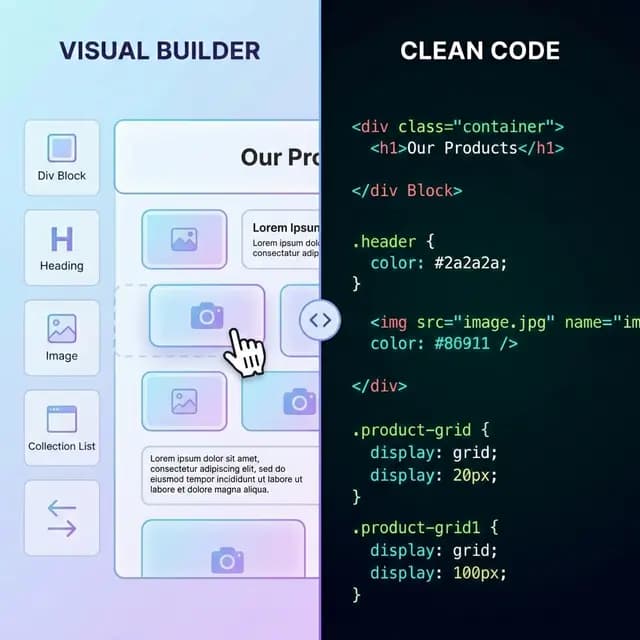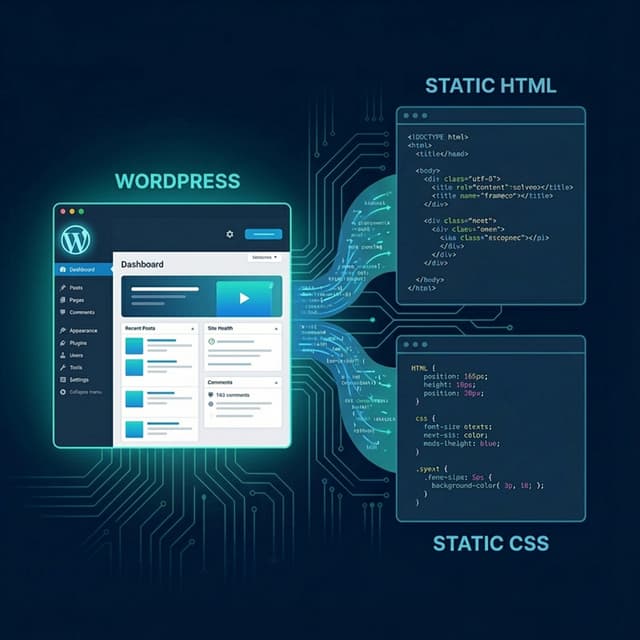
Exporting a Divi site to static HTML is one of the best ways to keep the powerful design capabilities of the Divi builder while eliminating the performance overhead of WordPress. This Divi to HTML converter guide walks you through the practical steps to move your Divi website to a faster, more secure static hosting environment.
Moving from a dynamic Divi installation to static HTML changes the delivery and maintenance model. Test performance and hosting costs for the specific site instead of assuming a fixed improvement.
Why Export Divi to Static HTML?
Divi is a heavy page builder. While it offers incredible design flexibility, it also loads significant amounts of CSS and JavaScript on every page. By exporting your site to static HTML, you remove the "builder bloat" and serve only what the visitor needs.
| Benefit | Divi on WordPress | Static Divi Export |
|---|---|---|
| Performance | Depends on theme, plugins, assets, and host | Depends on exported files, cleanup, and host |
| Security work | WordPress, theme, and plugin updates | Static host, dependencies, forms, and deployment access |
| Hosting cost | Check the current WordPress stack | Check the selected static provider and usage |
| Maintenance | High (Plugin updates) | Minimal |
If you are looking for an automated workflow, our WordPress to HTML converter supports all Divi themes and layouts natively.
The Divi Export Workflow
Step 1: Audit Your Divi Builder Layouts
Before running a Divi to HTML export, review your layouts. Divi uses many shortcodes and scripts to render its visual elements. NoCodeExport captures the final rendered output of these elements, ensuring that your gradients, animations, and complex layouts remain identical after the transition.
- Check Global Modules: Ensure your global headers and footers are published and working.
- Identify Dynamic Content: If you use Divi's dynamic content features (e.g., pulling from custom fields), ensure they are rendered correctly on the live URL.
- Document Forms: Divi forms require a platform backend. Note their location to replace them with static-friendly alternatives.
Step 2: Run the Conversion with NoCodeExport
The simplest way to export a Divi site to HTML is using the NoCodeExport WordPress exporter:
- Publish your site: Ensure all changes in the Divi builder are saved and published.
- Copy your URL: Head over to NoCodeExport and paste your site URL.
- Configure Export: Select "Full Site Export" to capture every page built with Divi.
- Download ZIP: Review the generated HTML, CSS, JavaScript, and assets before deployment.
Step 3: Handle Divi-Specific Features
- CSS Animations: Divi's scroll effects and entrance animations are preserved by NoCodeExport's intelligent crawler.
- Divi Overlays & Modals: Most visual popups are captured, but check their functionality after export.
- Icons: Divi uses a proprietary icon font (ETModules). NoCodeExport ensures these font files are bundled in your download.
Deploying Your Static Divi Site
Once you have your Divi export to HTML files, you can host them for free on platforms like Netlify or Vercel.
- Upload your ZIP: Drag and drop your files into the Netlify dashboard.
- Configure Forms: Replace Divi's internal form handling with Netlify Forms or Formspree.
- Test SEO: Ensure your meta descriptions and titles carried over correctly (NoCodeExport does this automatically).
Performance Results: Before vs After
Measure the original and exported site under the same conditions. Save the report and compare Core Web Vitals, transfer size, JavaScript work, requests, and functionality. Different Divi themes, plugins, pages, and hosting configurations produce different results.
Conclusion
The Divi to HTML converter workflow is the ultimate upgrade for any finished Divi website. You keep the design you love while gaining the speed and security of the modern web.
Start your free Divi export now and break free from WordPress maintenance today.