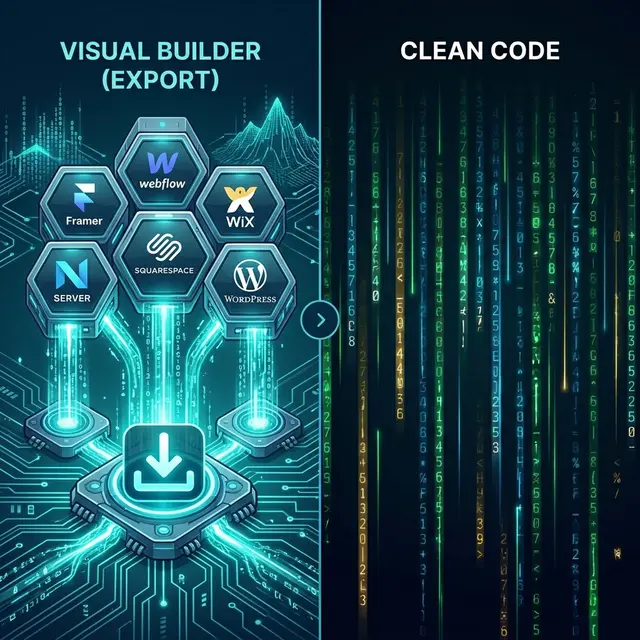
Choosing the right website code exporter can make or break your migration from a no-code platform. The best tools produce clean, deployable HTML while preserving your design, SEO metadata, and interactive elements. The worst leave you with broken layouts, missing assets, and hours of manual cleanup that negates the time you saved by using a visual builder in the first place.
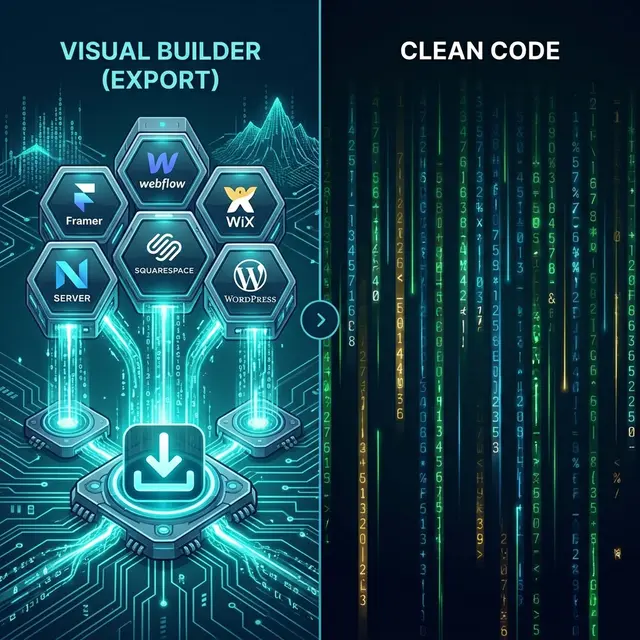
This comprehensive guide compares every major approach to exporting website code from platforms like Framer, Webflow, Wix, Squarespace, and WordPress. Whether you are an agency migrating a client or a freelancer looking to escape monthly hosting fees, this guide will help you pick the right tool for your situation.
TL;DR: Best Code Export Tools for 2026
If you're in a hurry and just want the verdict, here are the top-rated ways to get code from your site:
| Goal | Recommended Tool | Why? |
|---|---|---|
| Framer Export | NoCodeExport | The only tool that reliably preserves Framer animations & CSS layouts. |
| Webflow Export | NoCodeExport | Handles CMS content and IX2 interactions automatically without a paid Workspace plan. |
| Wix to HTML | NoCodeExport | Removes the heavy Wix runtime, consistently delivering 90+ PageSpeed scores. |
| Squarespace to HTML | NoCodeExport | Exports the actual visual design, not just the XML blog text. |
| WordPress to Static | Simply Static (Plugin) | Best for users who have direct WP Admin access and want a free plugin. |
The Website Code Export Problem
Most no-code website builders are walled gardens. They make it incredibly easy to build a beautiful website but extremely hard to leave. Their business model relies on keeping you paying for their proprietary hosting month after month.
Here is what each major platform offers natively if you try to export your code:
| Platform | Native Export? | What You Get | What Is Missing |
|---|---|---|---|
| Framer | None | -- | Everything. Framer does not allow code export. |
| Webflow | Partial (paid plans only) | Basic HTML/CSS | CMS content, interactions, eCommerce. |
| Wix | None | -- | Everything. Zero code access. |
| Squarespace | Minimal | Blog posts as XML | Design, CSS, images, layouts, navigation. |
| WordPress | Via third-party plugins | XML content | Clean HTML output (requires specialized static plugins). |
This massive gap is where third-party website code exporter tools come into play.
How We Evaluated The Exporter Tools
To provide an objective comparison, we tested each tool against a standardized set of 5 test sites (one per platform, featuring complex layouts, forms, and animations) and scored them on the following criteria:
- Output Quality: Does the exported HTML match the original design perfectly? Are responsive layouts preserved across all screen sizes?
- Asset Handling: Are images, fonts, and CSS downloaded locally, or left as external hotlinks that will break if the original site goes offline?
- Speed & Reliability: How long does a full-site export take, and does it frequently time out on larger sites?
- SEO Readiness: Are title tags, meta descriptions, canonical URLs, and structured data (JSON-LD) preserved?
- Deployment Workflow: How easy is it to go from a downloaded ZIP file to a live site on a new host?
- Platform Coverage: How many different no-code builders does the tool support?
Feature Comparison Table
Here is how the top approaches stack up against each other:
| Tool | Platforms Supported | Output Quality | Asset Handling | Free Tier | Direct Deployment |
|---|---|---|---|---|---|
| NoCodeExport | Framer, Webflow, Wix, Squarespace, WordPress | High (pixel-accurate, responsive preserved) | Downloaded Locally / CDN mapped | Yes | GitHub, Netlify, Vercel |
| Webflow Native Export | Webflow only | Good (but lacks CMS/interactions) | Downloaded Locally | None (requires $24+/mo plan) | Manual upload |
| HTTrack | Any public site | Low (broken layouts, missing JS) | Downloaded Locally (often broken) | Unlimited (Open Source) | Manual upload |
| Simply Static (WP) | WordPress only | Medium (highly theme-dependent) | Downloaded Locally | Unlimited (Free plugin) | Manual upload |
| WP2Static | WordPress only | Medium | Downloaded Locally | Unlimited (Open Source) | S3, Netlify, GitHub |
| Save Page WE | Any public site | Low (single page only, no routing) | Single file blob | Unlimited (Extension) | Manual upload |
Best Tool by Platform Use Case
1. Best for Framer Sites
Framer is an incredible design tool, but it has absolutely no native export feature. Your designs live entirely on Framer's servers.
Recommendation: NoCodeExport. It is currently the only dedicated website code exporter that handles Framer sites with CSS animation preservation, scroll effect recovery, and true responsive layout fidelity. There is no viable free/open-source alternative for automated Framer-to-HTML conversion.
2. Best for Webflow Sites
Webflow offers a native code export, but it is strictly gated behind their paid Workspace plans ($24+/month). Even if you pay, the native export does not include CMS collection pages or complex interactions.
Recommendation: If you are on a paid plan and your site is purely static (no CMS), Webflow's native export is fine. However, if you need your CMS content, want your IX2 interactions preserved, or are on a free Webflow plan, NoCodeExport's Webflow exporter is the superior choice.
3. Best for Wix Sites
Wix is notorious for its lock-in. They offer zero export capability—no code download, no API access to your pages, nothing. Third-party crawling is the only option.
Recommendation: NoCodeExport. Wix sites actually see the biggest performance improvements after export. Because the exporter removes Wix's incredibly heavy JavaScript runtime, Lighthouse scores typically jump from the 50s to 90+ automatically.
4. Best for Squarespace Sites
Squarespace's built-in export is a relic from the blogging era; it covers blog posts as XML only so you can move them to WordPress. It exports zero design, zero CSS, and zero images.
Recommendation: NoCodeExport for a complete visual site export. If you truly only need raw text content for a CMS migration, the native XML export is sufficient.
5. Best for WordPress Sites
WordPress offers multiple paths for static site generation, usually via plugins like Simply Static or WP2Static.
Recommendation: If you have WordPress admin access, understand how to configure plugins, and want granular control, try Simply Static. If you lack admin access or want a faster, one-click process without installing anything on the server, use NoCodeExport.
Hidden Costs and Lock-In Risks to Watch Out For
When evaluating any website code exporter tool (especially free ones like HTTrack), look out for these hidden traps:
- Hotlinked Assets: Some tools leave your images pointing at the original platform's CDN (e.g., pointing to
images.squarespace-cdn.com). If you cancel your Squarespace subscription, those images will permanently break. Ensure your exporter downloads assets locally or maps them to a permanent CDN. - JavaScript Dependencies: Some exported sites still depend on the original platform's core JavaScript files. This creates a silent dependency that can break without warning if the platform updates its architecture.
- SEO Gaps: Many basic scrapers fail to preserve meta tags, structured data, or canonical URLs. Missing SEO metadata can cause your search rankings to plummet immediately after migration. NoCodeExport runs an automated SEO audit during the export to prevent this.
- Missing Interactions: Animations, scroll effects, and hover states frequently do not survive basic HTML scraping. Test your exported site thoroughly before pulling the plug on the original platform.
The Financial Argument: Platform Hosting vs. Self-Hosting
Why go through the trouble of exporting at all? The math speaks for itself. By exporting your site to standard HTML/CSS and hosting it on a modern static provider (like Netlify or Cloudflare Pages), you eliminate recurring monthly fees entirely.
| Platform Approach | Monthly Cost | Annual Cost |
|---|---|---|
| Keep on Framer | $10--$25+ | $120--$300+ |
| Keep on Webflow | $14--$39+ | $168--$468+ |
| Keep on Wix | $17--$36+ | $204--$432+ |
| Keep on Squarespace | $16--$49+ | $192--$588+ |
| Export + Free Static Hosting | $0 | $0 |
Where to Host After Exporting
All cleanly exported HTML sites work perfectly with modern, free static hosting platforms:
- Netlify: The easiest option, offering simple drag-and-drop deployment directly from the exported ZIP file.
- Vercel: Offers incredible edge network performance and is highly developer-friendly.
- GitHub Pages: Best if you want to maintain your code in version control.
- Cloudflare Pages: Offers unlimited bandwidth on their free tier, making it ideal for high-traffic sites.
For a deeper dive, read our guide on the Top Free Static Hosting Providers.
Final Verdict
For the vast majority of users trying to escape a visual builder, NoCodeExport offers the strongest combination of platform coverage, output quality, and deployment convenience.
Unlike open-source scrapers, it is specifically tuned to handle the complex DOM structures of Framer, Webflow, Wix, Squarespace, and WordPress. It provides a consistent workflow, preserves your SEO metadata, rewrites your forms to work off-platform, and allows direct deployment to GitHub and Netlify.
A truly strong no-code export tool is one that gives you high visual fidelity with zero operational headaches.
Try the NoCodeExport website code exporter for free today and see how quickly you can take true ownership of your web projects.
Technical Background
Understanding the underlying architecture is key to long-term scalability. NoCodeExport prioritizes clean, modular code generation that adheres to modern web standards.
Architecture
Built on top of established frameworks ensure portability and performance across any hosting provider.
Security
Static generation significantly reduces the attack surface, providing enterprise-grade security for every project.