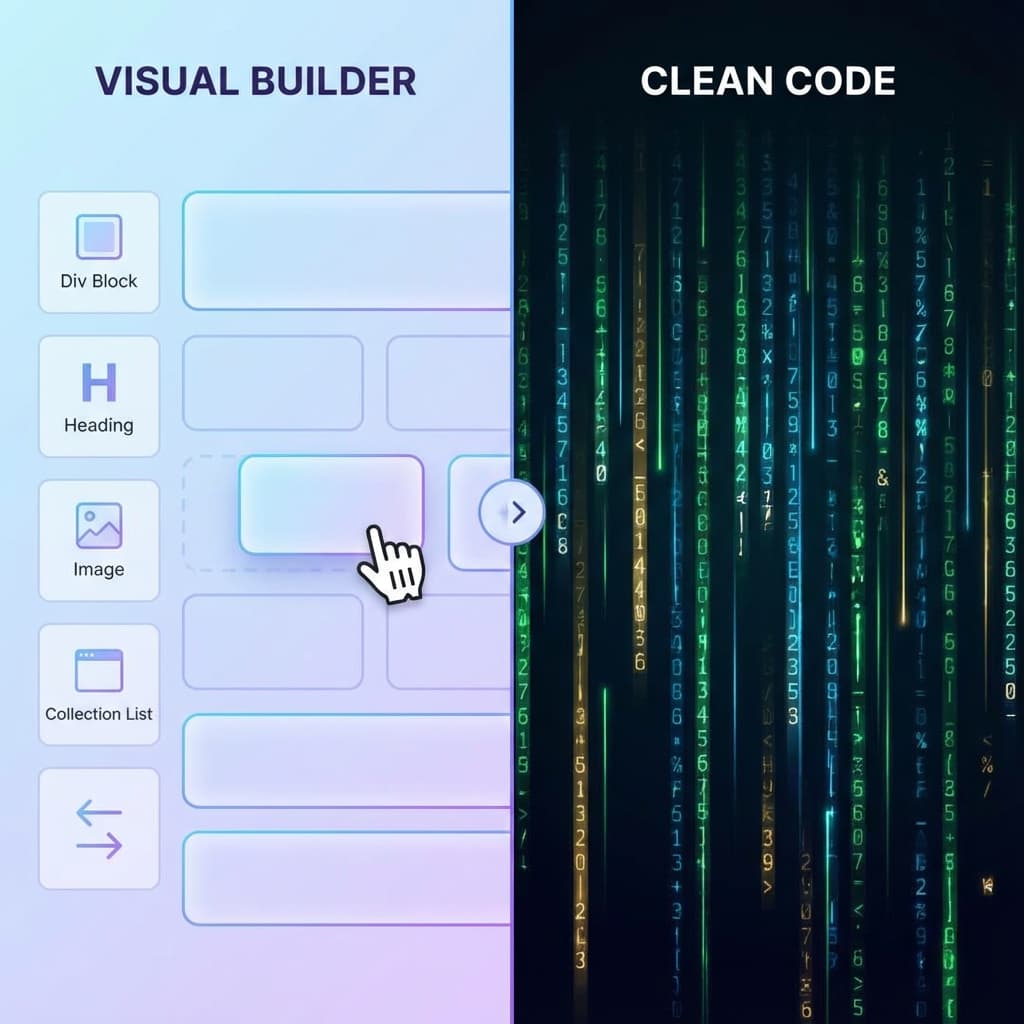
The debate between No-Code tools like Webflow and traditional hand-coding (HTML/CSS/React) continues to heat up. In 2025, the gap is narrowing, but key differences remain that can make or break your project strategy.
The Case for Webflow (and No-Code)
Visual development tools have revolutionized how quickly we can build.
Pros
- Speed: Build layouts 10x faster than writing CSS from scratch.
- Visual Feedback: See changes instantly without refreshing or compiling.
- CMS: Webflow's built-in CMS is intuitive for clients to use.
Cons
- Platform Lock-in: You are stuck paying their hosting fees to use CMS features.
- Code Bloat: Generated code is generally good but heavier than hand-written code.
- Learning Curve: The interface is complex for non-developers.
The Case for Hand-Coding
Traditional development isn't going anywhere.
Pros
- Infinite Flexibility: If you can code it, you can build it. No constraints.
- Performance: Hand-optimized code is lean and fast.
- Free Hosting: endless options for hosting static sites for free.
- Ecosystem: Access to thousands of NPM packages and React libraries.
Cons
- Time: takes significantly longer to set up and style responsive layouts.
- Maintenance: You are responsible for every line of code.
The Hybrid Approach: The Best of Both Worlds?
What if you didn't have to choose?
A growing trend is "Design in No-Code, Export to Code". Designers can build the UI visually in Webflow or Framer to save time. Then, using tools like NoCodeExport, developers can extract that code and integrate it into a Next.js or React application.
This workflow offers:
- Rapid UI Prototyping (Visual Tool)
- Clean, Owned Code (Export)
- Scalable Logic (Hand-coding on top of the export)
Conclusion
If you are building a simple marketing site, Webflow alone is great. If you are building a complex web app, hand-coding is necessary. But for marketing sites where you want full control and no monthly fees, the Hybrid Export method is the clear winner in 2025.