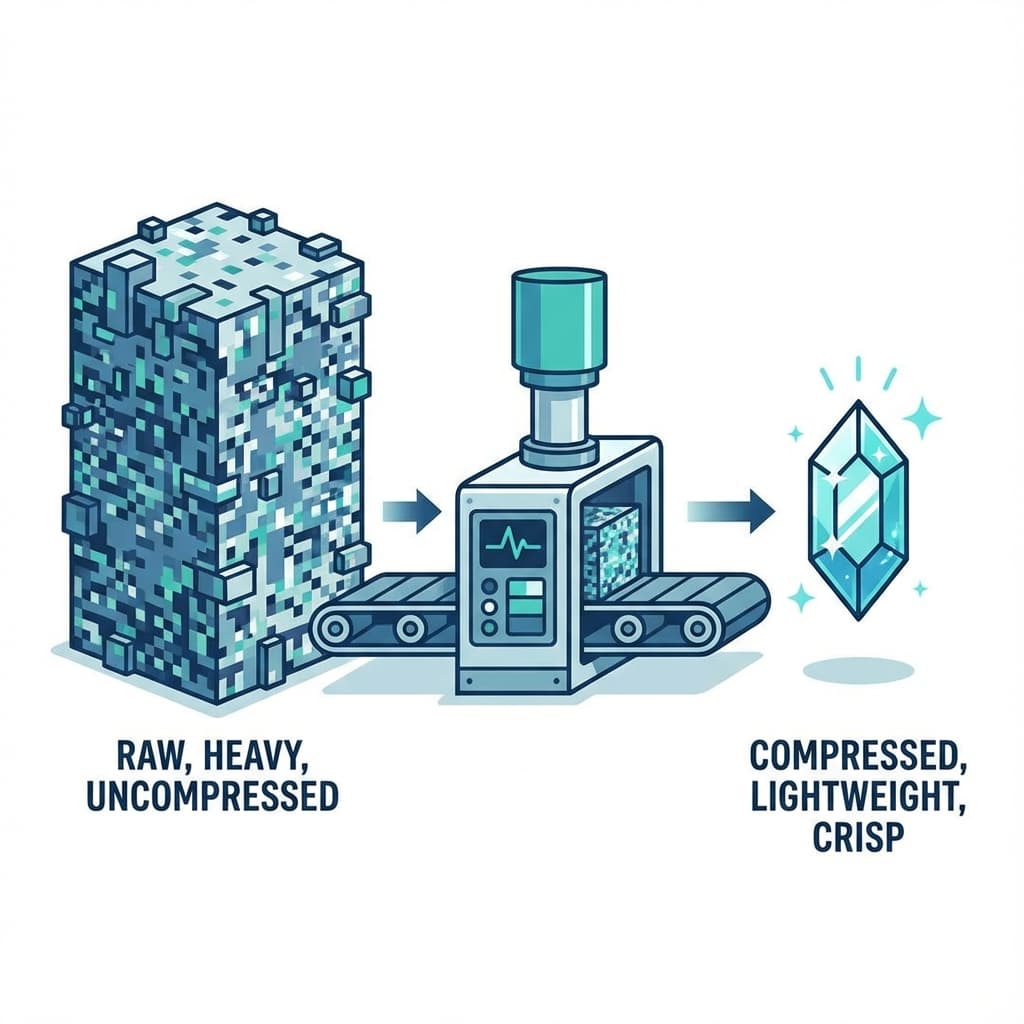
We've all visited a beautiful portfolio site that takes 10 seconds to load. Why? Usually, it's because the designer uploaded a 15MB uncompressed PNG directly from Photoshop.
If you are exporting your site to host it yourself, image optimization is your responsibility. And it is the single most impactful thing you can do for site speed.
The formats
- JPG: Best for photos. Good compression.
- PNG: Best for graphics with flat colors or transparency. Heavy for photos.
- SVG: Infinite scalability. Best for logos and icons. Use these whenever possible!
- WebP: The modern standard. Smaller than JPG and PNG with better quality.
The Tool Stack
1. TinyPNG / TinyJPG
Run every single raster image through this before uploading. It can often reduce file size by 70% with zero visible quality loss.
2. Squoosh.app
A free tool by Google. Great for manually converting generic images to WebP format.
3. Lazy Loading
This is a coding technique where images below the fold don't load until the user scrolls down.
<img src="photo.jpg" loading="lazy" alt="...">
Just adding loading="lazy" to your image tags can drastically improve your "Time to Interactive" scores.
How NoCodeExport Handles Images
When you use our tool to export a site from Framer or Webflow, we automatically:
- Scan for large assets.
- Convert compatible images to WebP.
- Add lazy loading attributes to non-critical images.
This ensures that your self-hosted site isn't just cheaper—it's faster than the original.