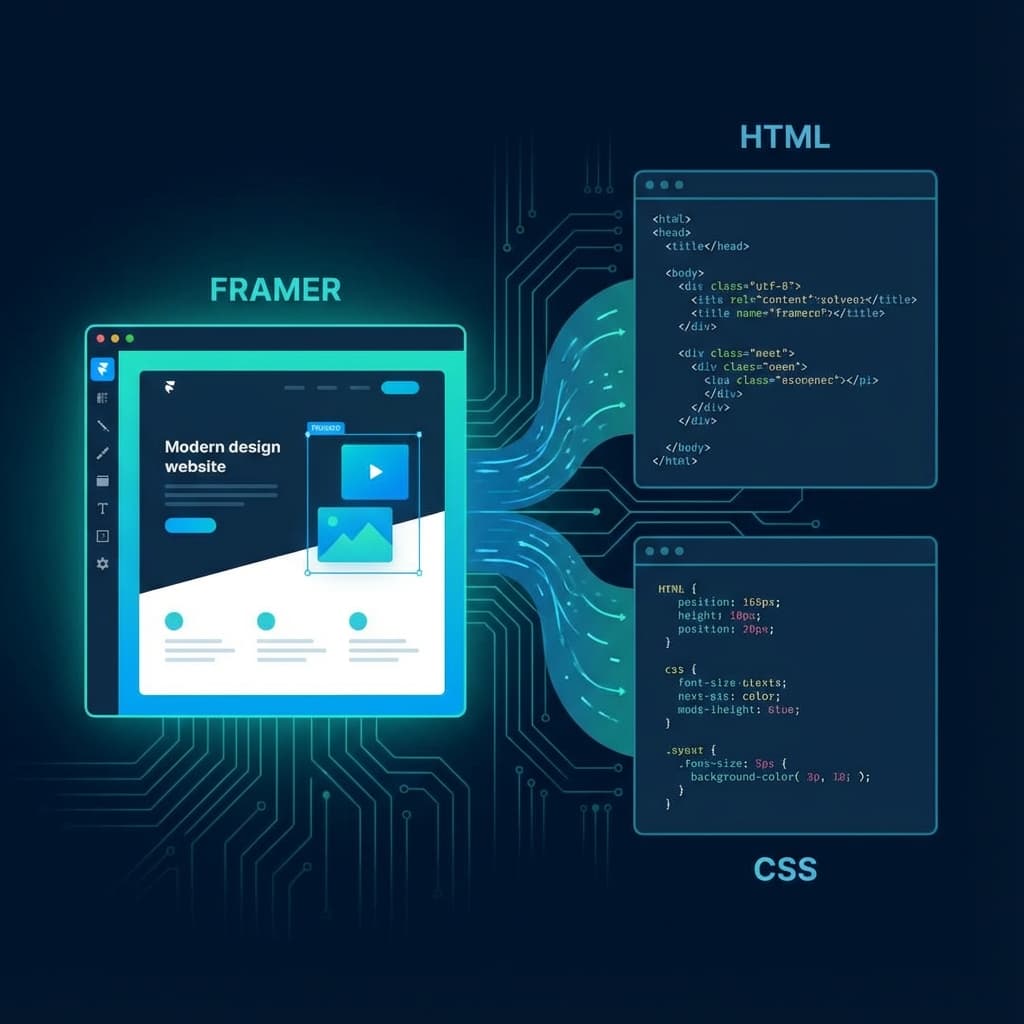
Framer is an incredible tool for designing high-fidelity websites visually. But what if you want to host that site on your own server, Netlify, or Vercel? Or perhaps you need the raw code to hand off to a developer?
By default, Framer sites are locked into their hosting ecosystem. However, with the right tools and knowledge, you can "break free" and export your site to clean, performant HTML and CSS.
Why Export from Framer?
While Framer's hosting is convenient, there are several compelling reasons to export your code:
- Cost Savings: Host entirely for free on platforms like GitHub Pages or Netlify instead of paying monthly Framer fees.
- Ownership: You own the code. You aren't dependent on one platform's pricing changes or terms of service.
- Performance: Manually optimized hosting setups can sometimes outperform generic platform hosting.
- Customization: Add custom backend logic, scripts, or integrations that Framer doesn't natively support.
Step-by-Step Export Guide
1. Prepare Your Design
Before attempting an export, ensure your Framer project is tidy. Name your layers logically and remove unused assets. This helps clearer code generation.
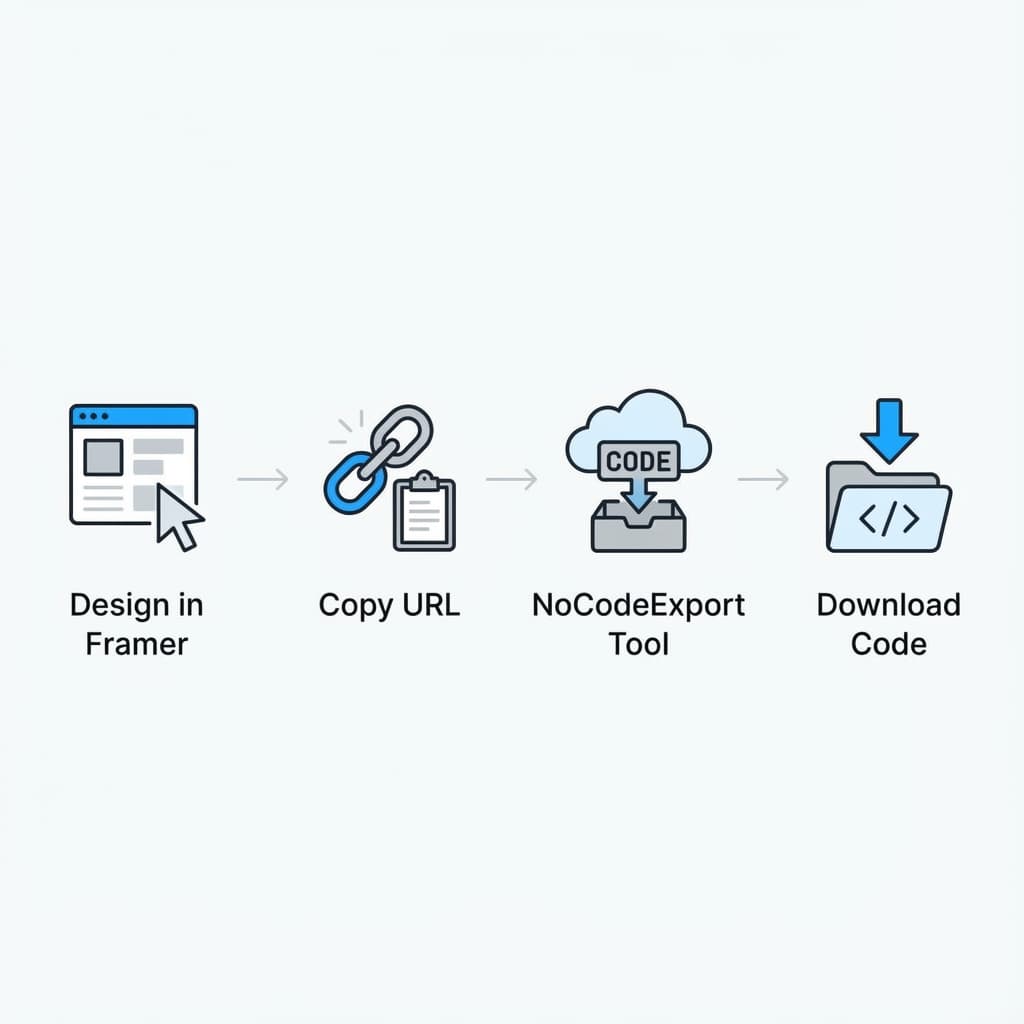
2. Use NoCodeExport
Our tool simplifies this process drastically.
- Publish your Framer site to a free
.framer.websitesubdomain. - Copy that URL.
- Paste it into the NoCodeExport tool on our homepage.
- Click "Export".
3. Clean and Optimize
Once you have the raw HTML/CSS/JS files, you might want to:
- Minify CSS/JS: Reduce file sizes for faster load times.
- Check SEO Tags: Ensure
<title>and<meta>descriptions are preserved. - Optimzie Images: Run your images through a tool like TinyPNG if they weren't automatically optimized.
Hosting Your Exported Site
After exporting, you have a folder of standard web files. You can drag and drop this folder directly into:
- Netlify Drop: Instant, free hosting with SSL.
- Vercel: Great for performance and free tier availability.
- GitHub Pages: Perfect if you want to version control your site.
Conclusion
Framer is for designing; the open web is for hosting. By exporting your site, you get the best of both worlds: the speed of visual development and the freedom of traditional web hosting.
Ready to start? Try NoCodeExport for free.